Spot it. Sort it. Enjoy it.
From overload to what matters.
Picked for Later gathers everything you care about, sorts it for you and lets you decide in a second. To start with: your YouTube Watch Later and new uploads from your subscriptions.

Automatic import
Everything arrives on its own
No more copying links. Picked for Later gathers what you saved for later, wherever it comes from.
Your YouTube Watch Later, in YouTube's order, synced by the browser extension every hour.
New uploads from your subscriptions wait in To triage, without Shorts or live streams.Pro
Anything you add yourself: a YouTube link, a web page or a title, or a CSV file or Pocket export to import.
Coming later: RSS feeds and newsletters.
Keep or move on
One decision per video, in a second
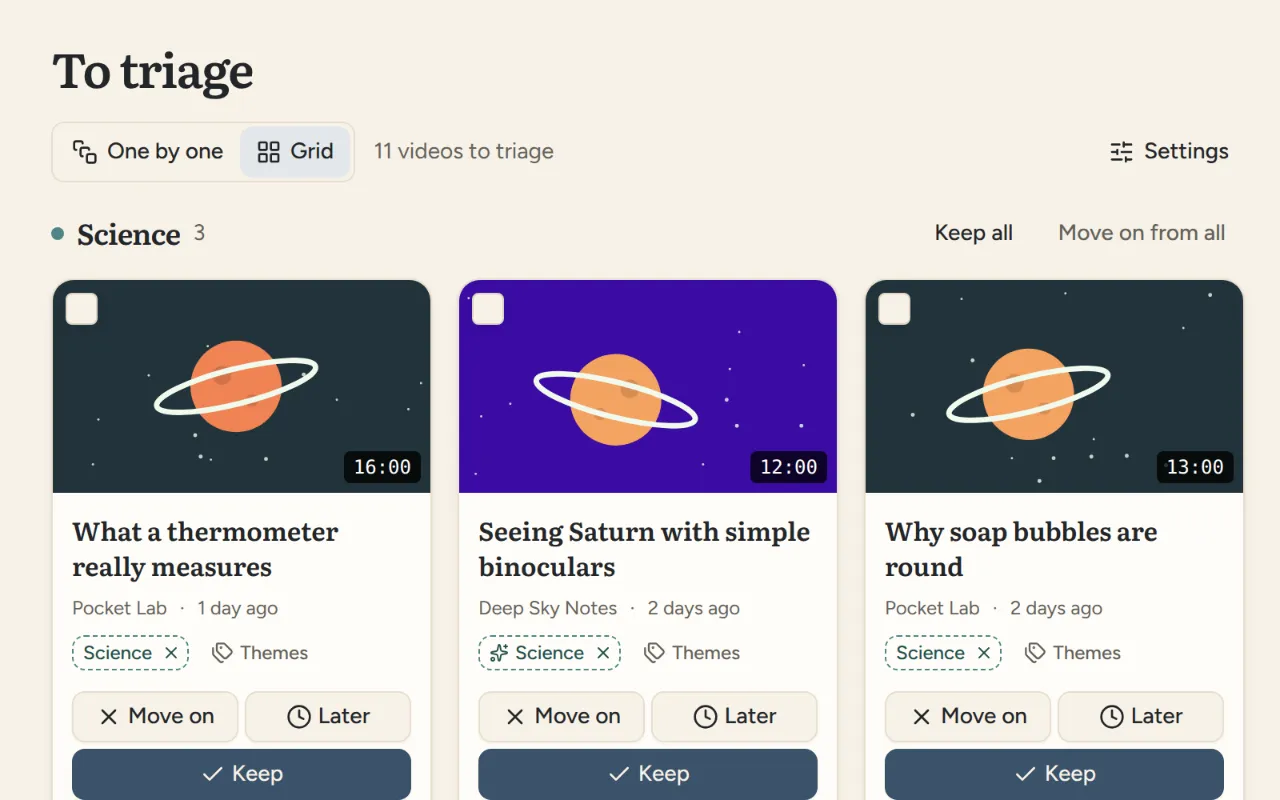
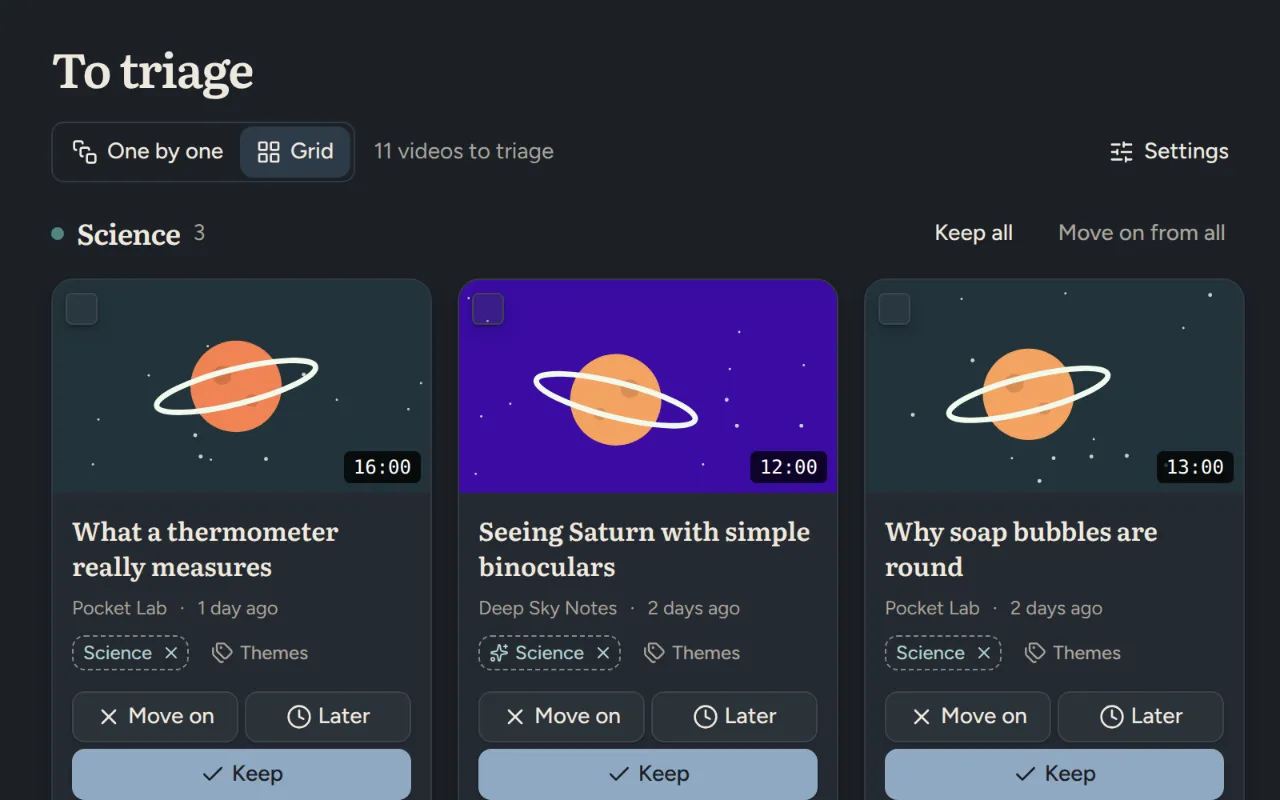
Keep what you want to watch, let the rest go, set aside what can wait. Triage becomes a habit, not a chore.
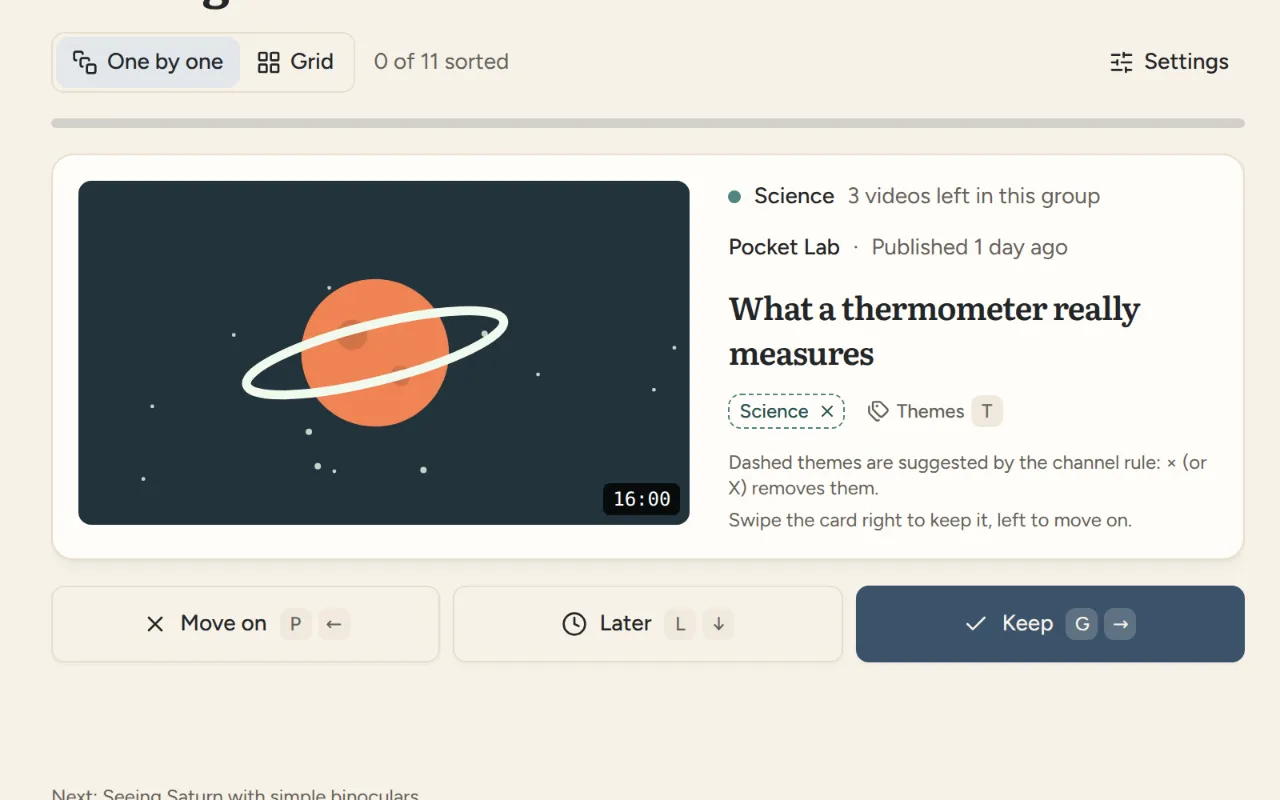
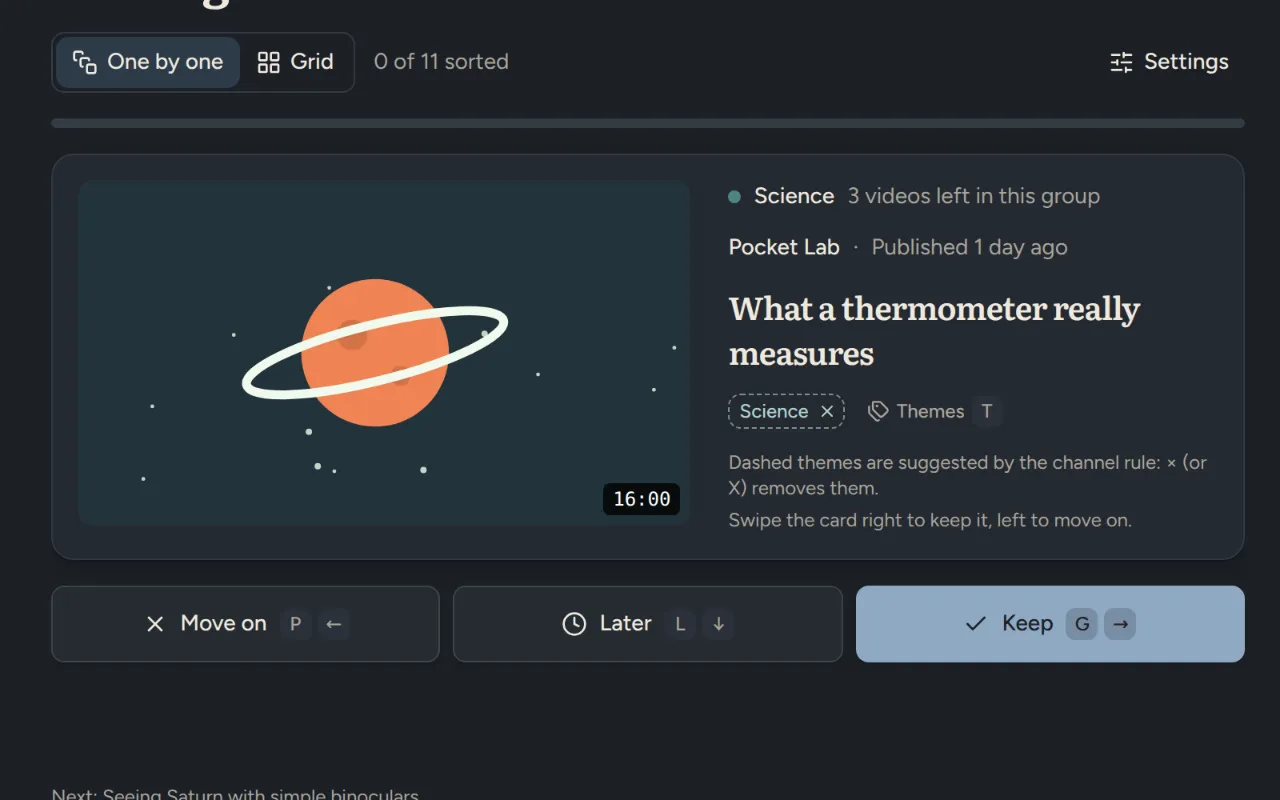
Keyboard shortcuts: G to keep, P to move on, L for later, Z to undo. Or swipe on a touch screen.
One video at a time, or the whole batch in a grid, grouped by theme.
Changed your mind? Undo as many times as you like.
Themes and AI
Sorted by theme, and you stay in charge
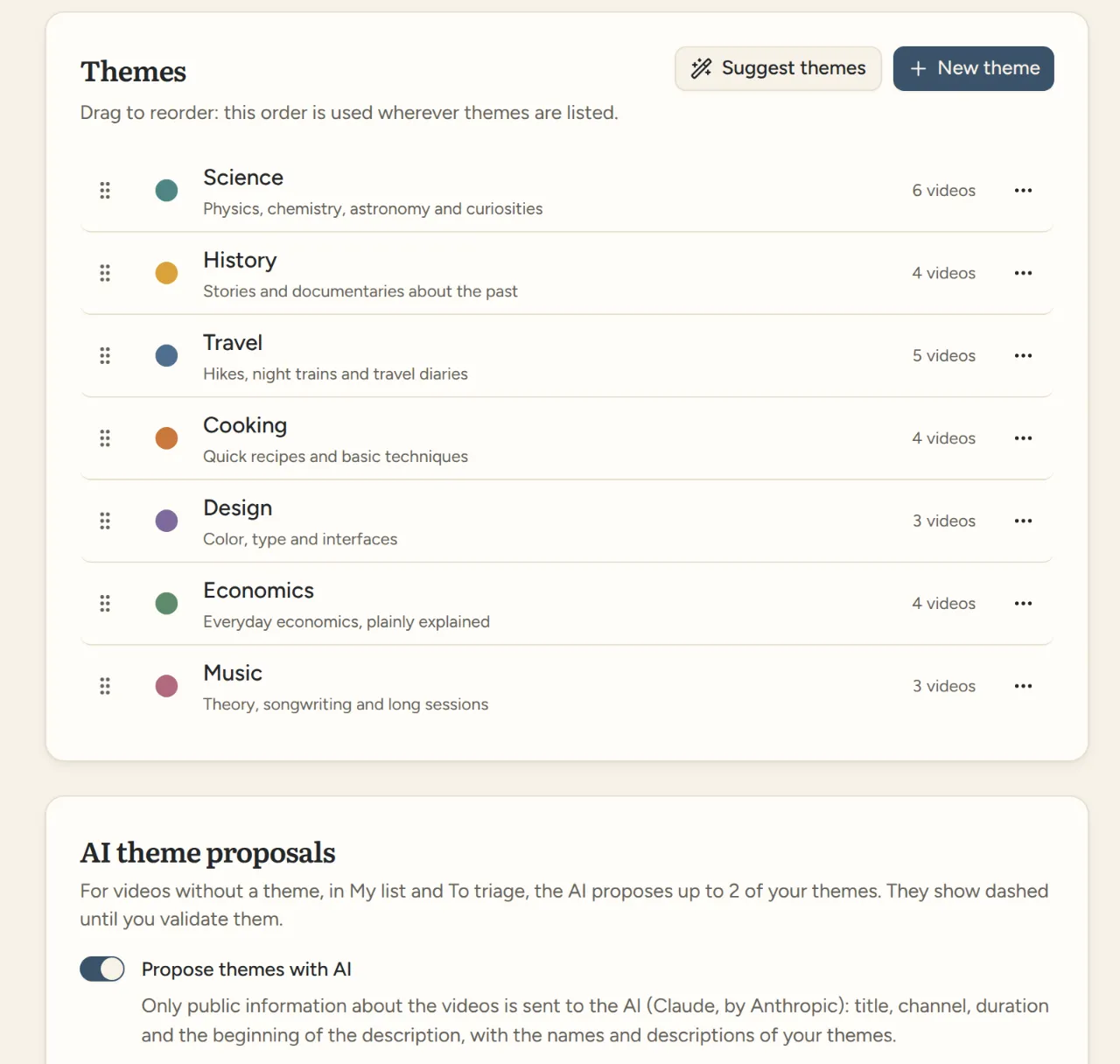
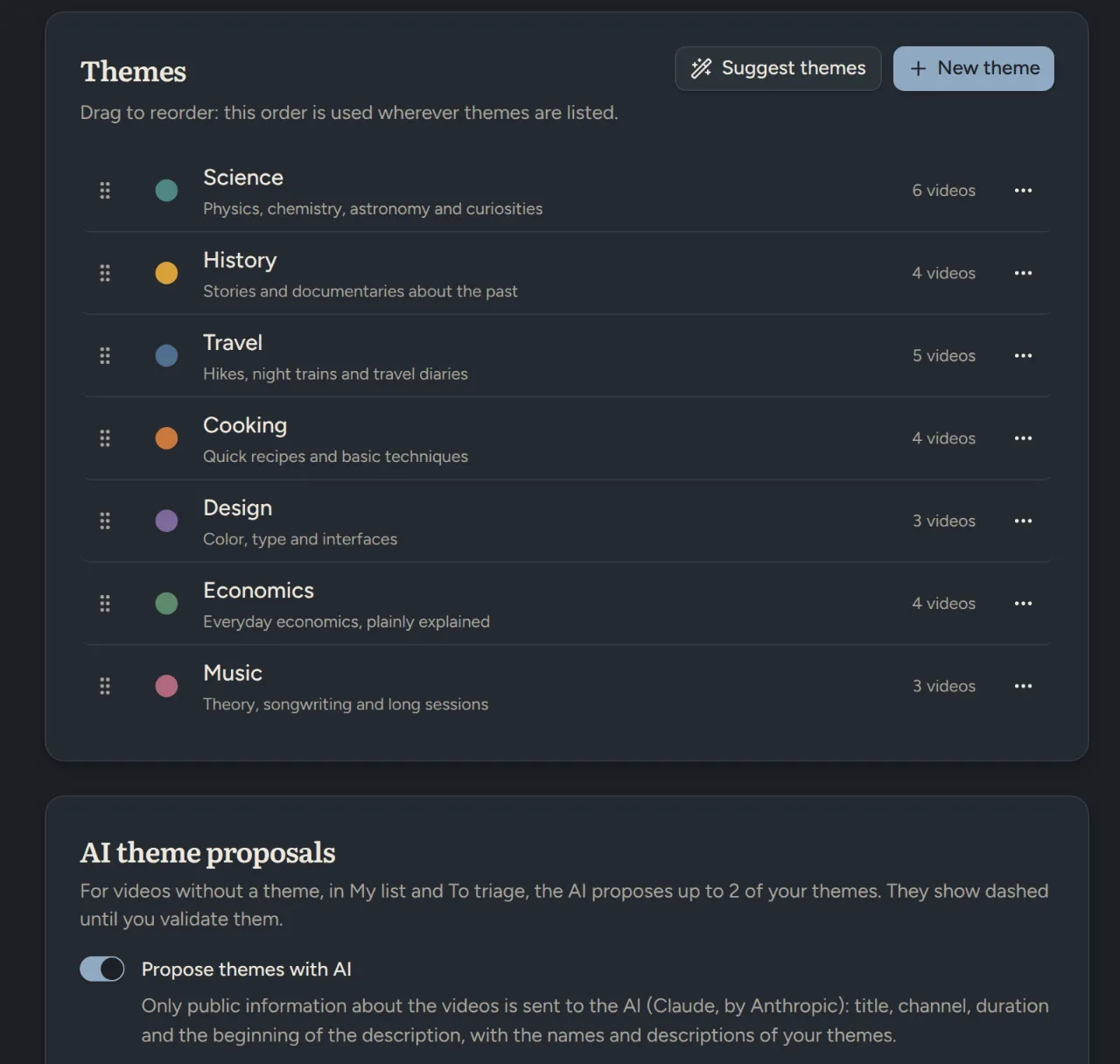
Your videos go into your own themes. The AI helps, it never decides for you.
AI proposals: up to two of your themes per video, shown dashed until you validate them.Pro
New theme ideas: the AI looks at your list and suggests themes to create.Pro
Rules per channel: a channel's videos always go into the theme you chose. Picked for Later suggests the rule once you have sorted a channel the same way three times.
The time I have
The right video for the time you have
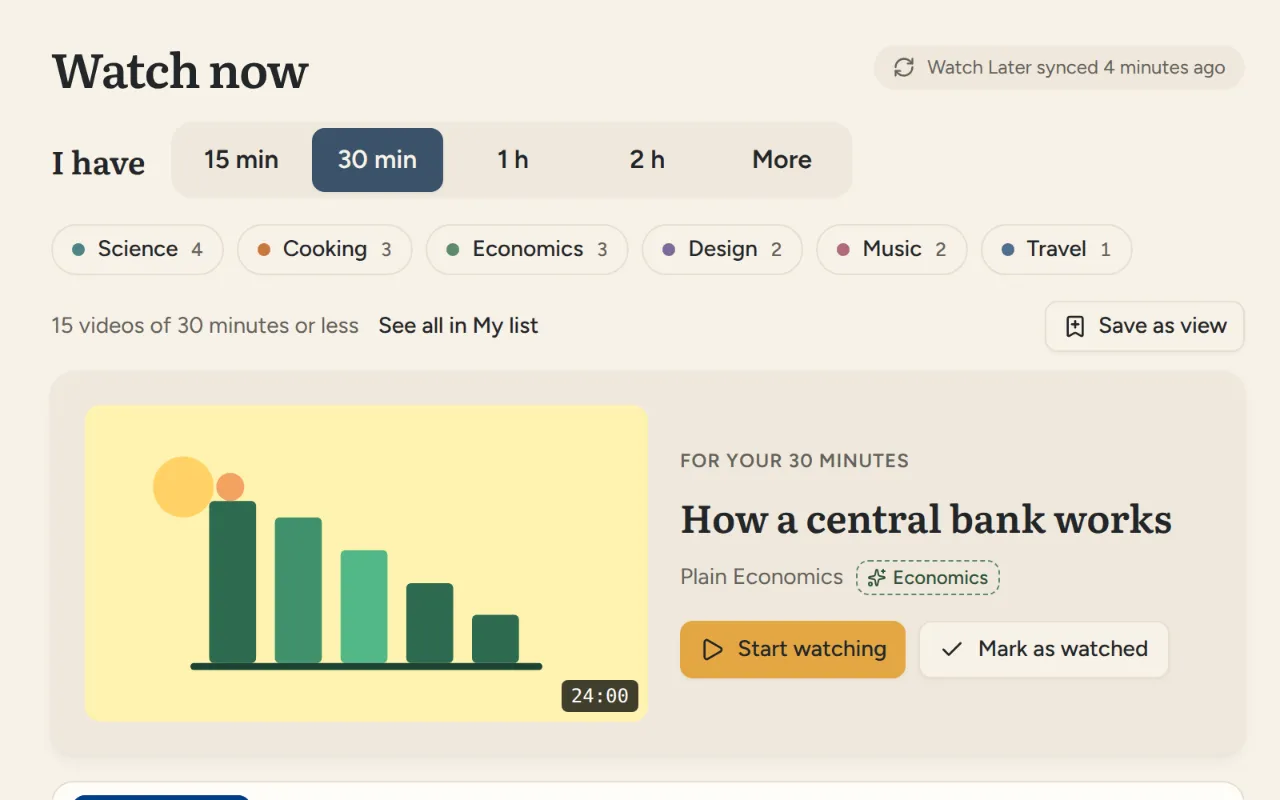
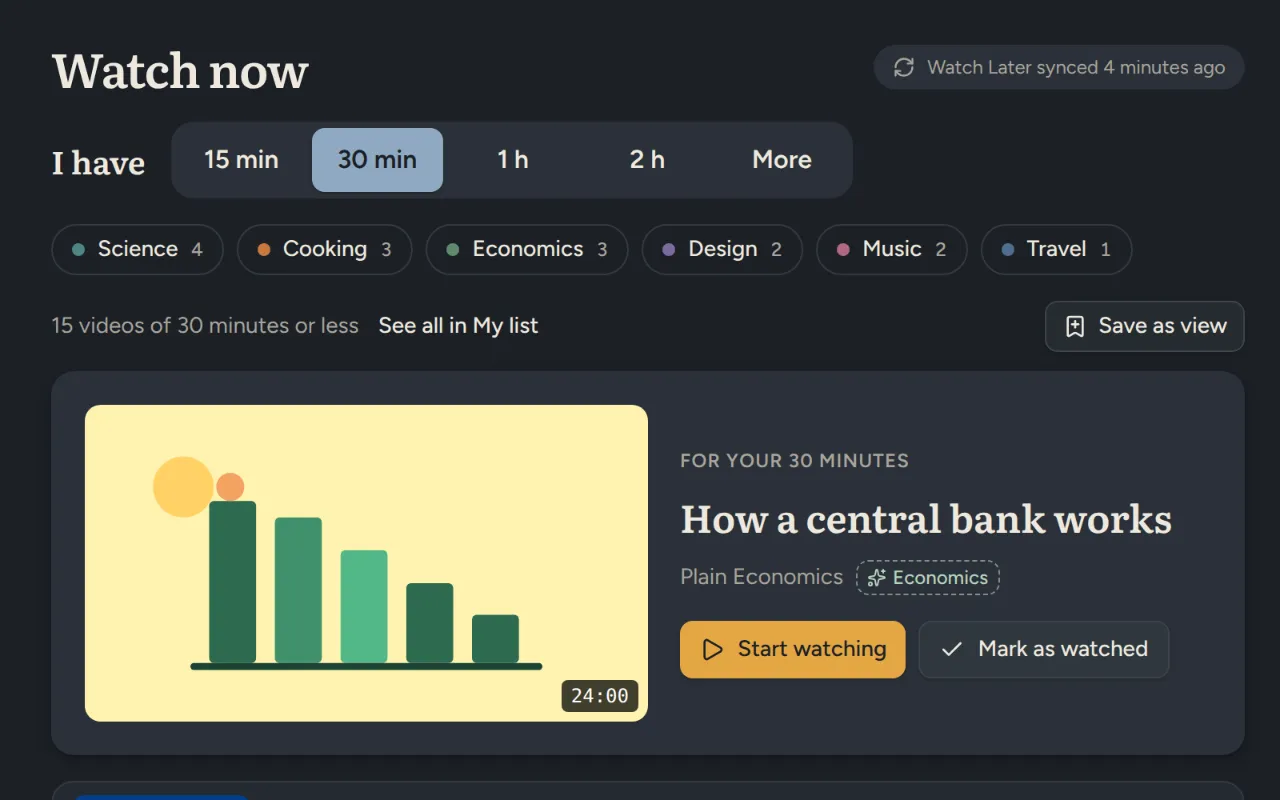
Twenty minutes before a meeting, an hour on the train? Say how much time you have and get the videos that fit.
Watch now: pick 15 min, 30 min, 1 h or 2 h, and the themes you are in the mood for.
My list: filter by theme, channel and duration, search titles, sort and group.
Save your favorite settings as views, ready for next time.
Back on YouTube
Your decisions, applied on YouTube
What you decide in Picked for Later is applied to your YouTube account by the extension. No more cleaning up by hand.
A video you watched or threw away leaves your Watch Later. A video you keep in To triage joins it.Pro
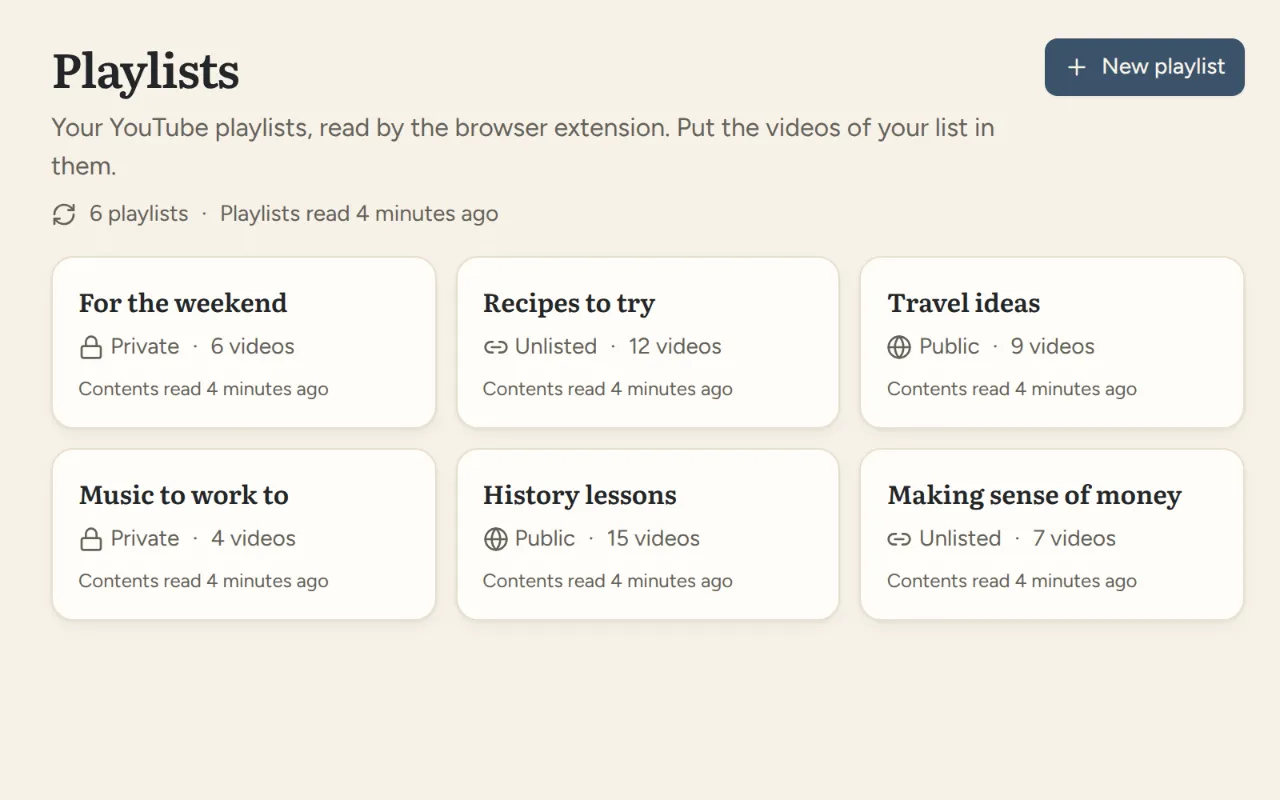
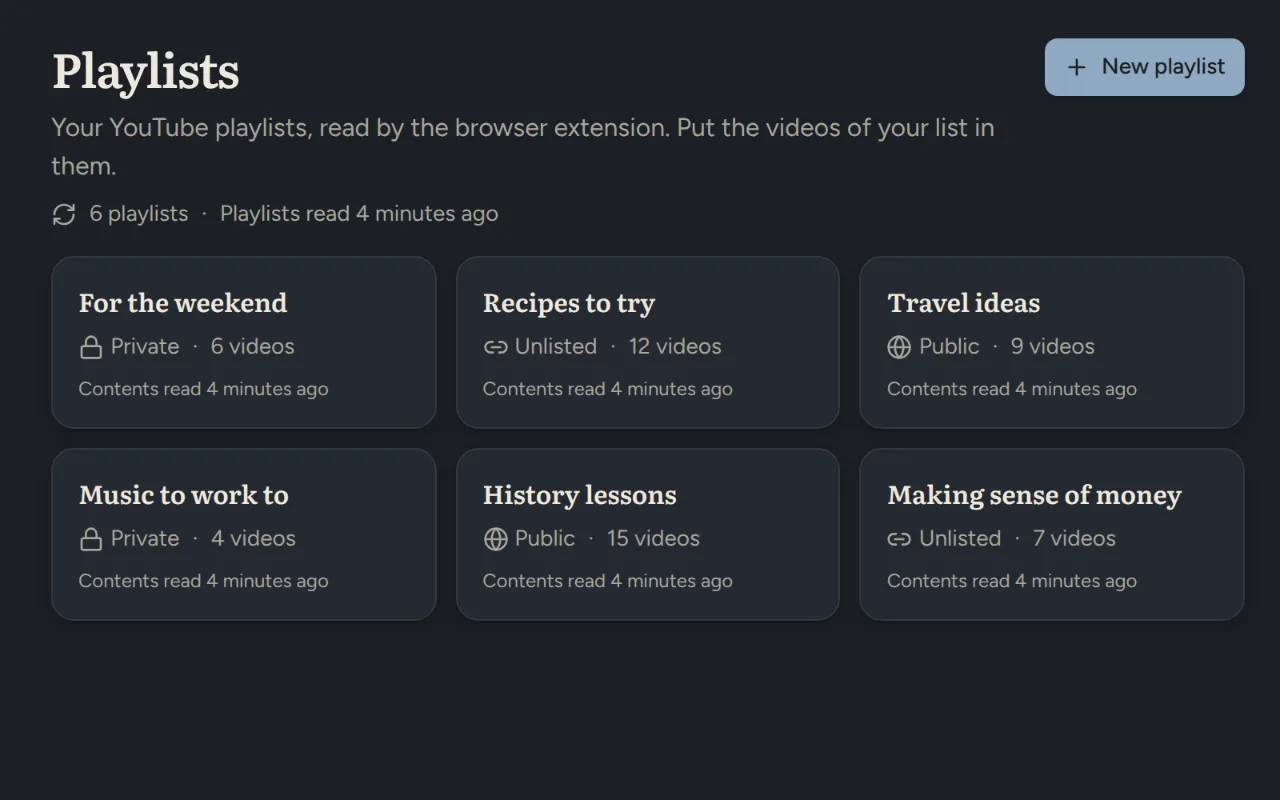
Sort videos into your YouTube playlists, create a playlist, rename it, remove a video.Pro
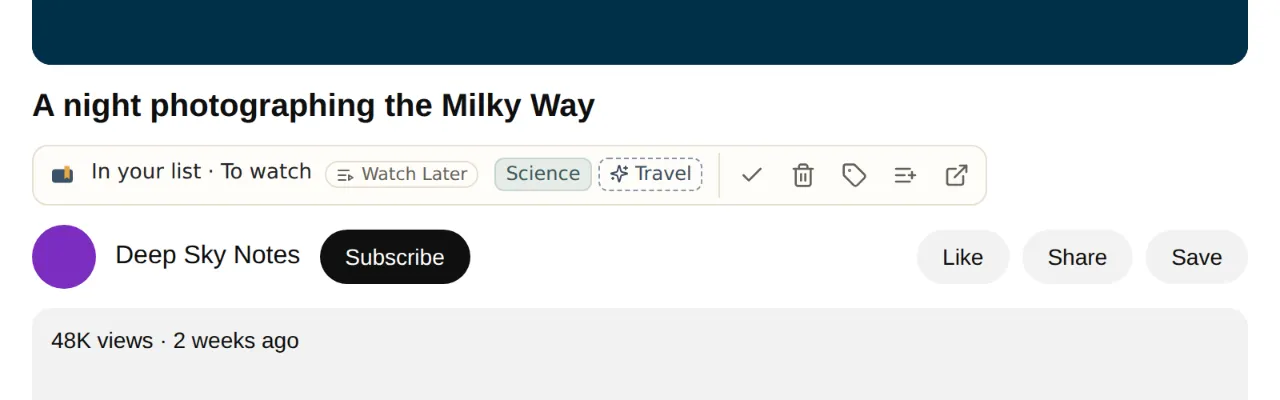
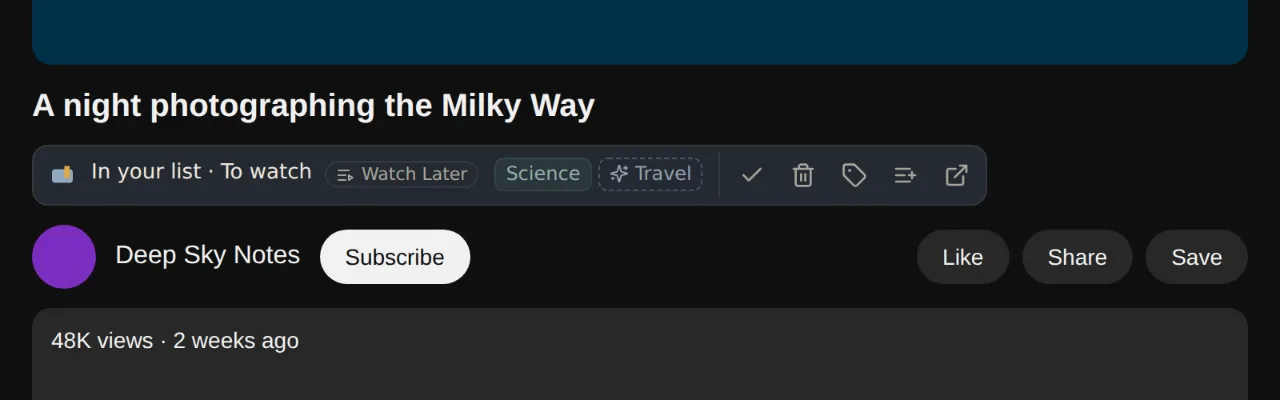
Under every YouTube video, a small card shows whether it is in your list, and lets you keep it, dismiss it, mark it watched or choose its themes.
The browser extension
Your own YouTube session, nothing more
YouTube no longer lets apps read the Watch Later. The extension reads it in your browser, with the YouTube account you are already signed in to: no Google sign-in, no password to give.
For Chrome, Edge, Opera and Brave on a computer.
What it reads on YouTube
- Your Watch Later: the videos, their order and how far you watched them.
- With Pro: the new uploads from your subscriptions and your playlists.
What it sends to Picked for Later
- The videos of those lists and your progress. The details shown on the site (title, channel, duration) are read from YouTube by Picked for Later itself.
- On a YouTube video page, the video's identifier, to show its card. You can turn the card off.
What it never sends
- Your YouTube cookies and password.
- The other sites you visit. A page is only sent when you click Add this page.
Free and Pro
Free to start, Pro when your list grows
Prices will be announced before launch.
Free
To sort your Watch Later.
- Your Watch Later synced by the extension
- Up to 100 videos to watch
- My list and Watch now, with search and filters
- Your themes and rules per channel
- The card under YouTube videos
- Add by link, import a CSV file or a Pocket export
- 2 connected browsers
Pro
For big Watch Laters and many subscriptions.
- Everything in Free, with no limit on videos
- To triage: new uploads from your subscriptions
- Your decisions applied to your YouTube Watch Later
- Playlists: sort videos, create, rename
- Drop email address: forward a newsletter, its videos land in My list
- AI themes: proposals and new theme ideas
- Unlimited connected browsers
The first 100 people on the list get the Founder offer at launch.
Questions
Less noise, more of what matters.
Join the waitlist: one email when we open, and the Founder offer for the first 100.